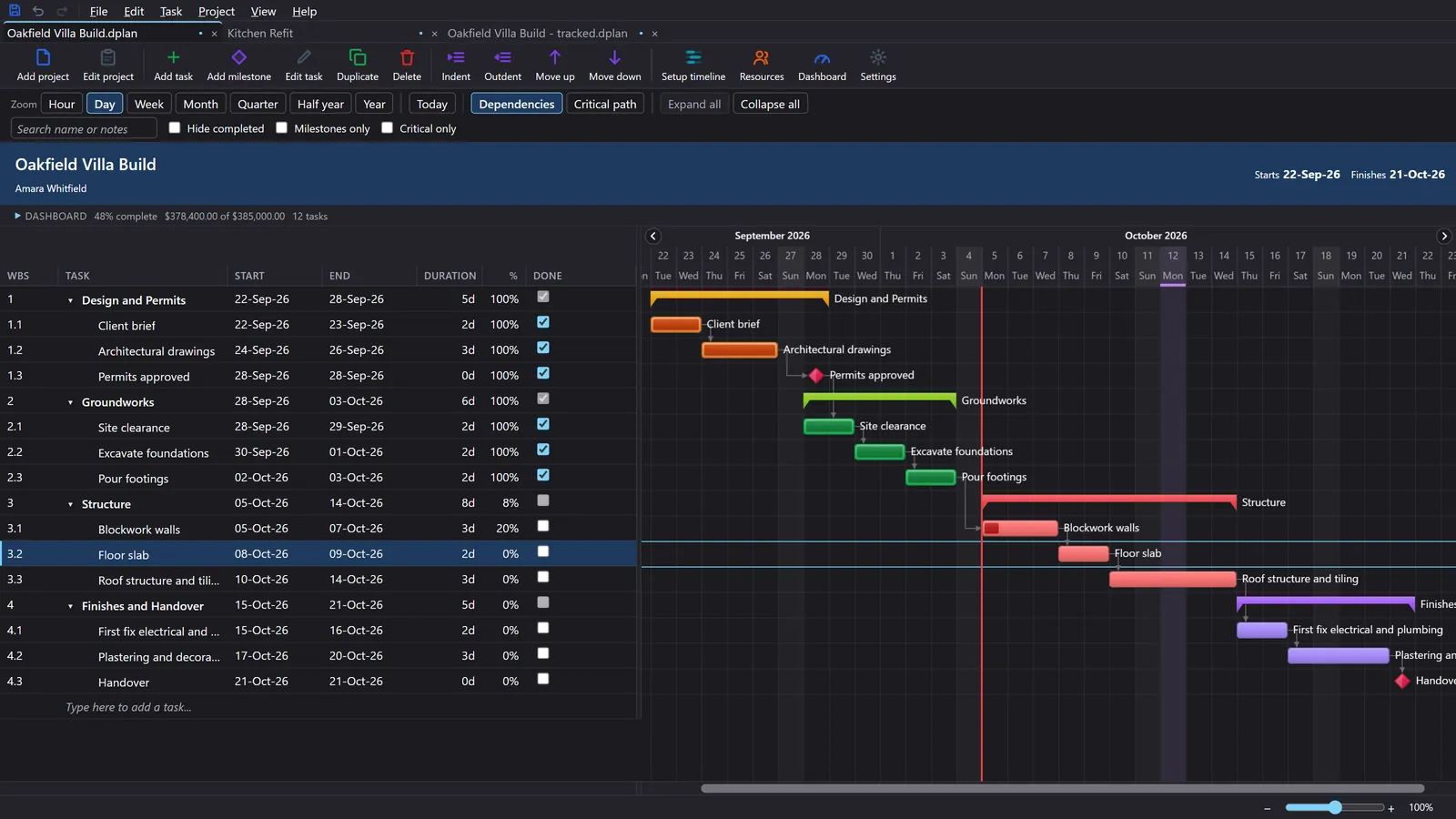
Gantt Excel Video Tutorials
Every Gantt Excel tutorial in one place, in the order we suggest watching them. If you would rather read, the user guide covers the same steps with pictures. Click a picture to play the video on this page.
Start here: install Gantt Excel and make your first chart
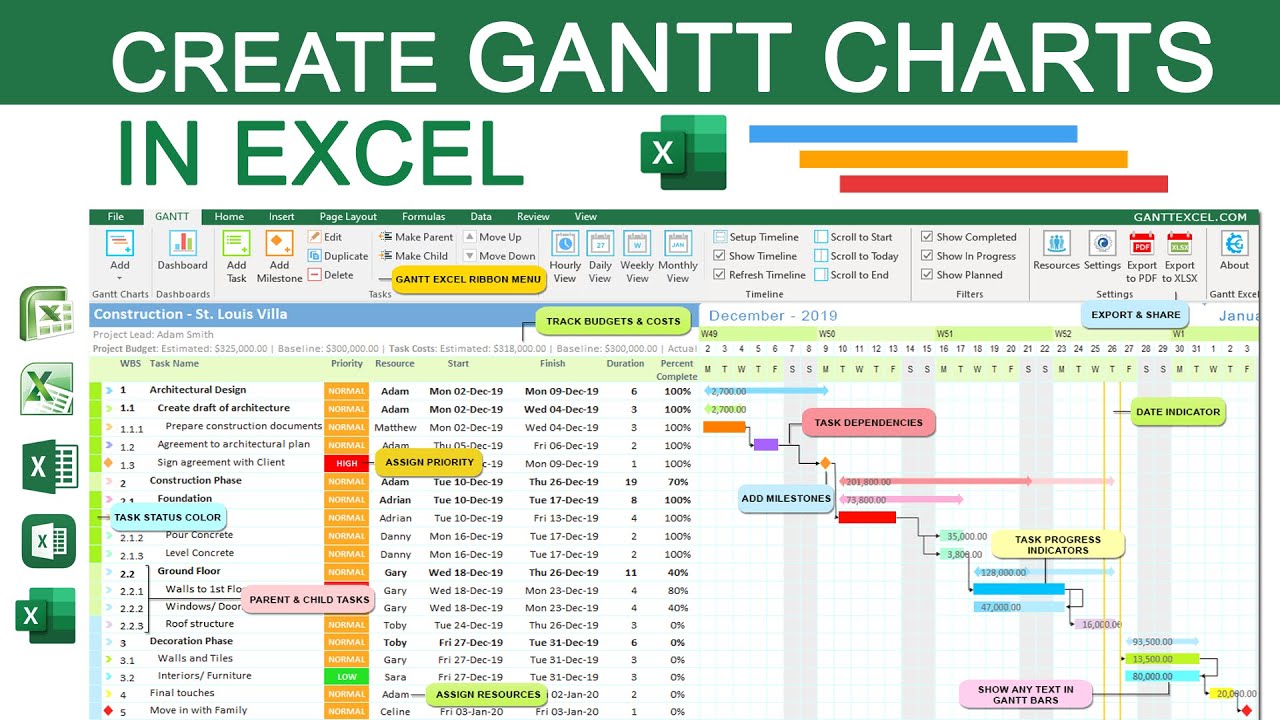
How to make a Gantt chart in Excel
The full walk-through, from an empty workbook to a finished chart. Watch this one first if you have just downloaded Gantt Excel.

Gantt Excel features: a quick tour
A four-minute look at what Gantt Excel can do, if you are deciding whether it fits your project.
Read: The user guide

How to enable macros
Gantt Excel runs on macros, so Excel has to be allowed to run them. This shows the switch to turn on.
Read: Enabling macros in Excel
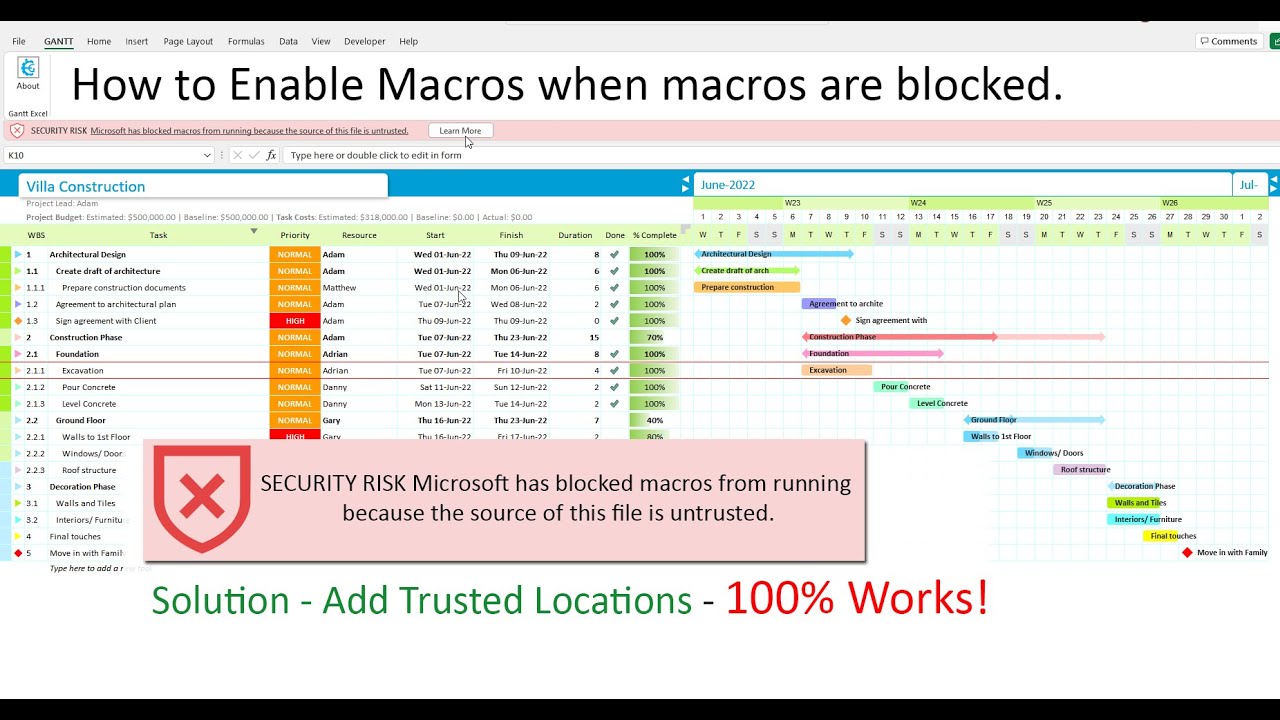
Microsoft has blocked macros? Here is the fix
If Excel says Microsoft has blocked macros, add a trusted location and open the file again.
Read: Blocked macros

How to activate Gantt Excel Pro
Bought a licence? Here is where to type your key so the Pro features switch on.
Read: Activating your licence
Build the plan: tasks, milestones and the timeline

How to add a new Gantt chart
Start a new project in its own sheet, give it a name and set the start date.

How to add tasks
Add the tasks of your project and give each one its dates.

How to edit tasks
Change a task after you have added it, and see its bar update on the chart.

Parent and child tasks
Group tasks into phases. The parent row works out its own dates from the tasks under it.


How to set up the timeline
Choose the dates your chart shows and switch between the timeline views.
Read: Views, timeline & zoom

How to edit project details
Change the project's name and its other details after you have started.
Read: The Gantt Excel tab

How to duplicate a project
Copy a whole project, tasks and all, to use it as the starting point for the next one.
Read: The Gantt Excel tab
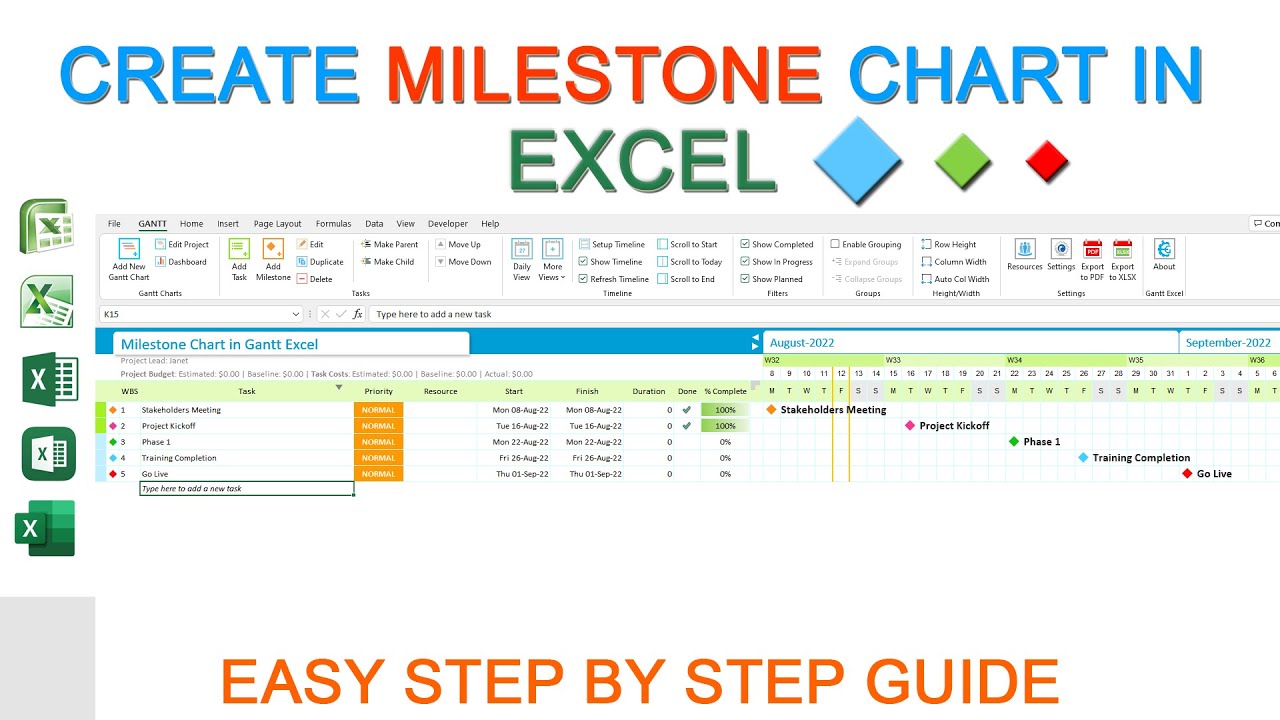
How to make a milestone chart and timeline
Turn your milestones into a milestone chart and timeline, for a quick summary of the key dates.
Read: Milestone chart
Link tasks and find the critical path
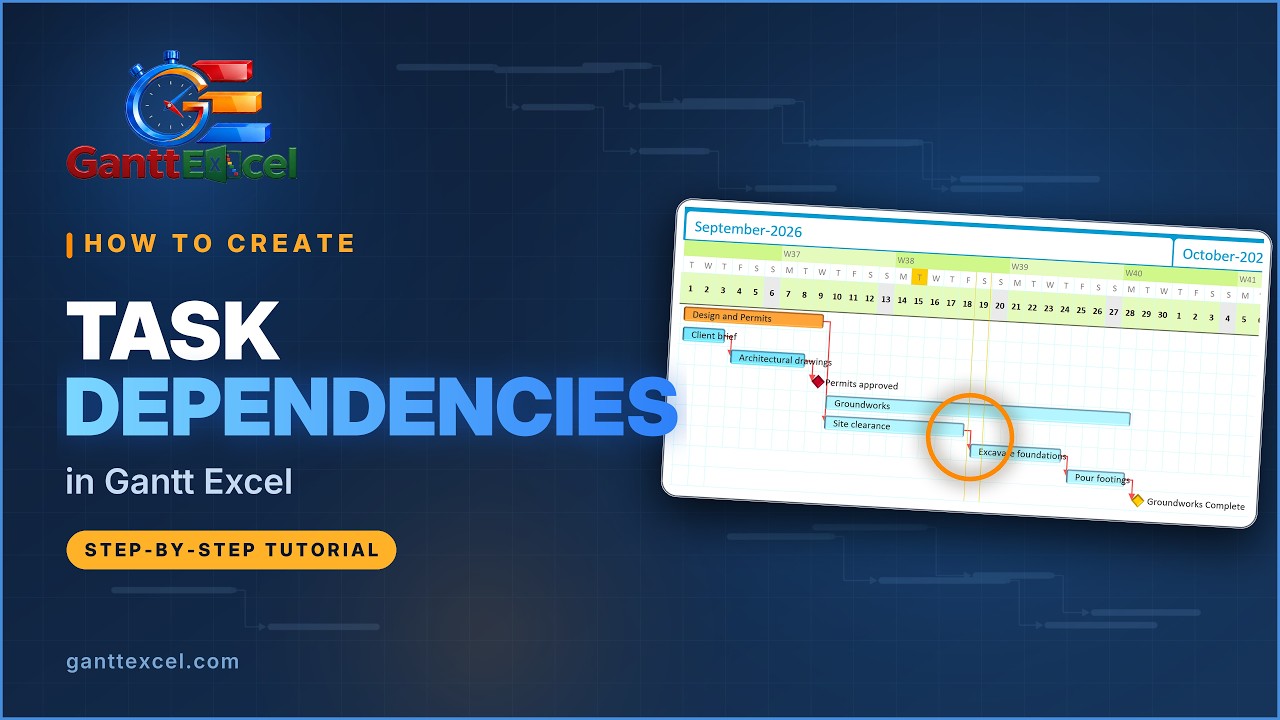
How to create task dependencies
Link tasks so that one starts when another finishes. Change a date and every linked task moves with it.

The critical path explained simply
What the critical path is, what float means, and why some tasks can slip without moving your finish date.

How to use the critical path in Gantt Excel
Turn the critical path on, read total float, filter to the critical tasks and show it in the Web Report.
People and team calendars

How to add and assign resources
Add the people who do the work and give each task an owner.

How to make a team or resource calendar
Build a calendar that shows your team's holidays and time off in one place.
Read: Resource calendar
Shorts: a minute or less each
Quick versions of single steps, for when you already know Gantt Excel and only need a reminder. Each one links to its full tutorial.


Where new videos appear
New tutorials go up on the Gantt Excel YouTube channel and are added to this page when they come out. To watch them one after another, open the Gantt Excel tutorials playlist.
Follow along in your own copy
Gantt Excel is free to download. Open it next to the video and copy each step as you watch.
Download Gantt Excel free →Works in Microsoft Excel on Windows and Mac.